This morning I sat the Amazon Web Services Cloud Practitioner exam and I am very pleased to say I passed it. The exam is meant to be an entry level one to introduce people to core products and services AWS offers and what each of them does.
The resources I used for the exam are the following although I do have to say that I passed my AWS: SA Associate a few years ago so I wasn’t starting from scratch:
The ACloudGuru course on the exam was brilliant as usual from the acloud team and also gives you a good opportunity to follow along with the lab work. For me this was where I spent most of my time due to my previous SA Associate knowledge.
The whitepapers – There are SO MANY whitepapers out there around all the services but due to this exam being a an entry level exam the only ones realistically you need to read and most importantly understand (the ones from the blueprint) are:
The blueprint – As you would expect the blueprint covers what you need to know, for me it was actually refraining from going too deep as for this exam it wasn’t necessary and therefore would have been a waste of time.
Lab Time – For me the best way to learn is by doing something and using the services and solutions. AWS do a free tier which is perfect for this and all the introductory labs cover everything and probably a bit more than you need to know.
Now to prepare for my VMware Cloud On AWS specialty and then AWS: SA Professional.
I miscalculated the time the AWS keynote started (8am) yesterday so ran out of time posting my day 2 blog posting and with my laptop screen disliking me vie had to leave it in a perfect position in my hotel room so that I could at least write a blog posting so here is both day 2 and 3 recaps of AWS re:Invent.
Day 2
My day 2 started with the inaugural AWS vBreakfast. I wrote about my plans and idea to get a whole bunch of people who are part of the VMware community who are also attending re:Invent to meet up and ideally get a bit of the same kind of strong community we have around VMware now around people who did VMware bits that now do both. The breakfast was a lot of fun and the discussions both technical and on-technical were amazing and it’s one of my favourite parts about conferences as being able to hear what others are doing at work and then possibly if it’s something you have or need to do can collaborate and learn with/from that person and you both benefit. The meal was great fun and I hope it can happen every year now and grow even bigger
Next was the Partner keynote, unlike with other conference keynotes I’ve been to, customers are actually allowed to attend the keynote as there aren’t any partner only NDA roadmap discussions during the AWS Partner keynote but it is more about what the AWS Partner Network is doing, the growth and successes it has made. There was the announcement of a number of new competencies partners could do as well as a number of partners who had achieved certain elite competencies and what them having these meant for customers.
After the keynote I went around the expo hall and spoke to a number of vendors and bumped into fellow vBrownbag team members and VMware Cloud on AWS guru’s Emad Younis and Kyle Ruddy. We spoke about already released features of VMConAWS and credit to the guys they did not let slip one bit of day 3’s announcements. Make sure to look up their sessions at re:Invent especially after the announcements around VMConAWS.
I attended a session all about Infrastructure is Code with the AWS Cloud Development Kit which was very interesting. I did appreciate that they did the demo’s live although personally I felt some of the time the text they had to write to create the commands and scripts could have been pre-written in a text file that they could have copied across rather than us watching them typing it out word by word.
I met up with other VMware guru’s such as William Lam and Brian Graf and spoke to them about what they were doing (again no NDA’s were broken) as well as what I have been up to at Dell EMC as a Cloud Solutions Lead.
I ended the day fairly early as I knew I had to be up for the keynote on Wednesday and my tiredness from jetlag had really started to set in.
Day 3
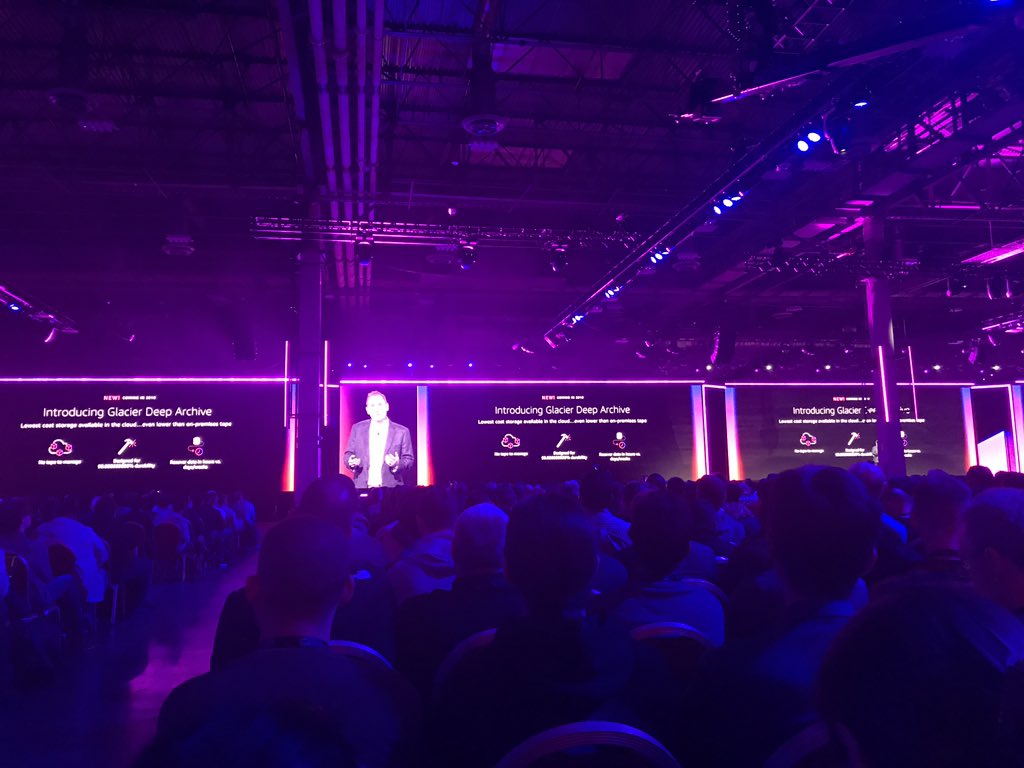
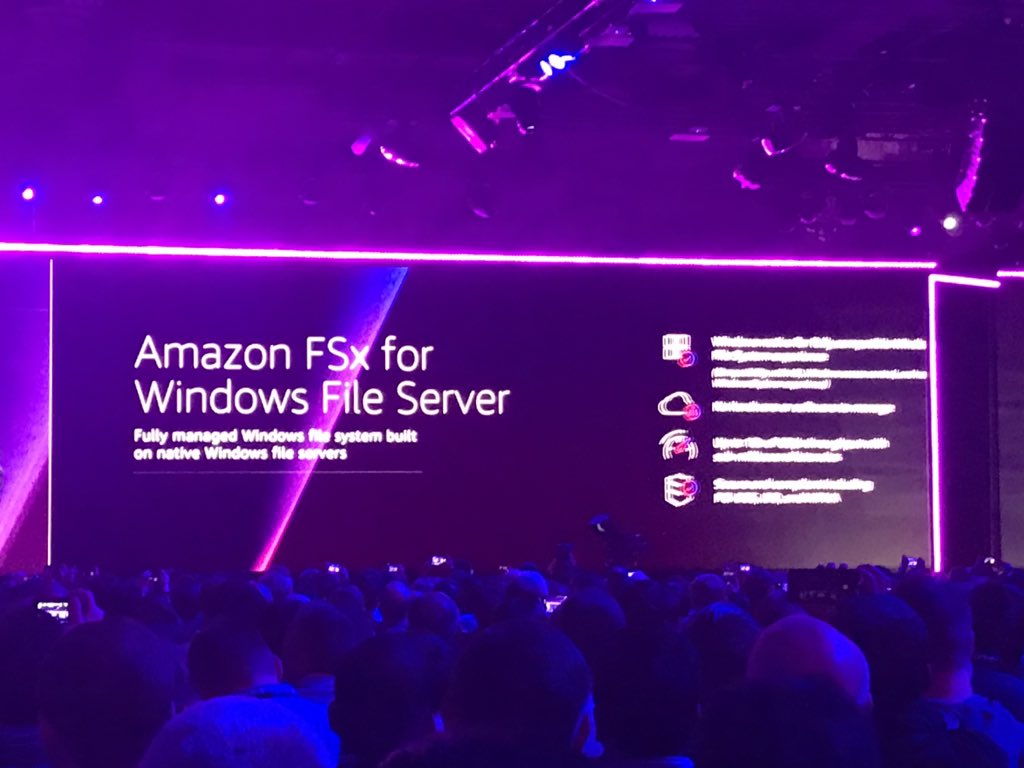
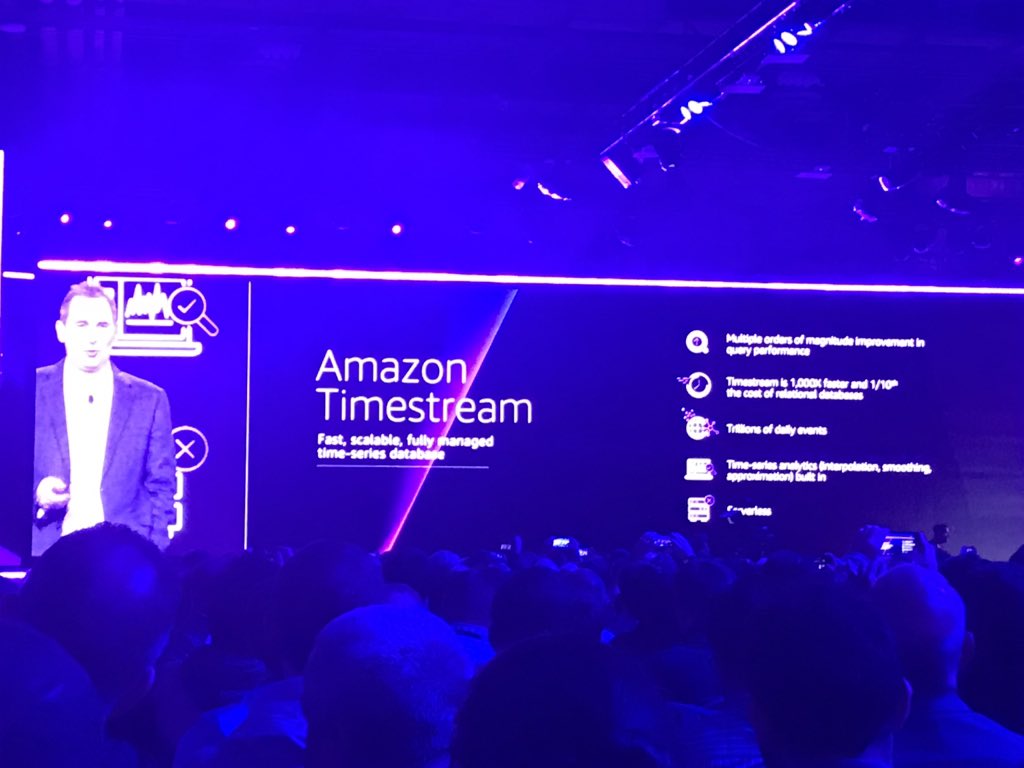
Day 3 started with the keynote by Andy Jassy and wow what a keynote, lasting 3 hours and with people lining up several hours beforehand to get in it was amazing announcement after amazing announcement and to Andy’s credit he kept the audience’s attention for the whole three hours.
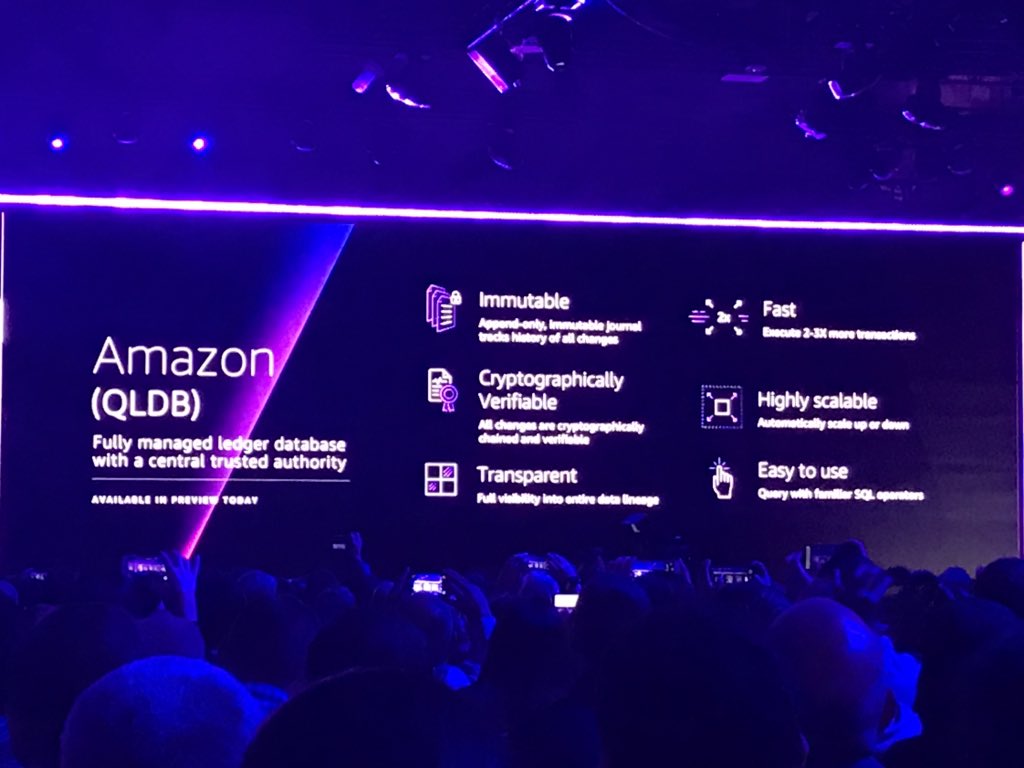
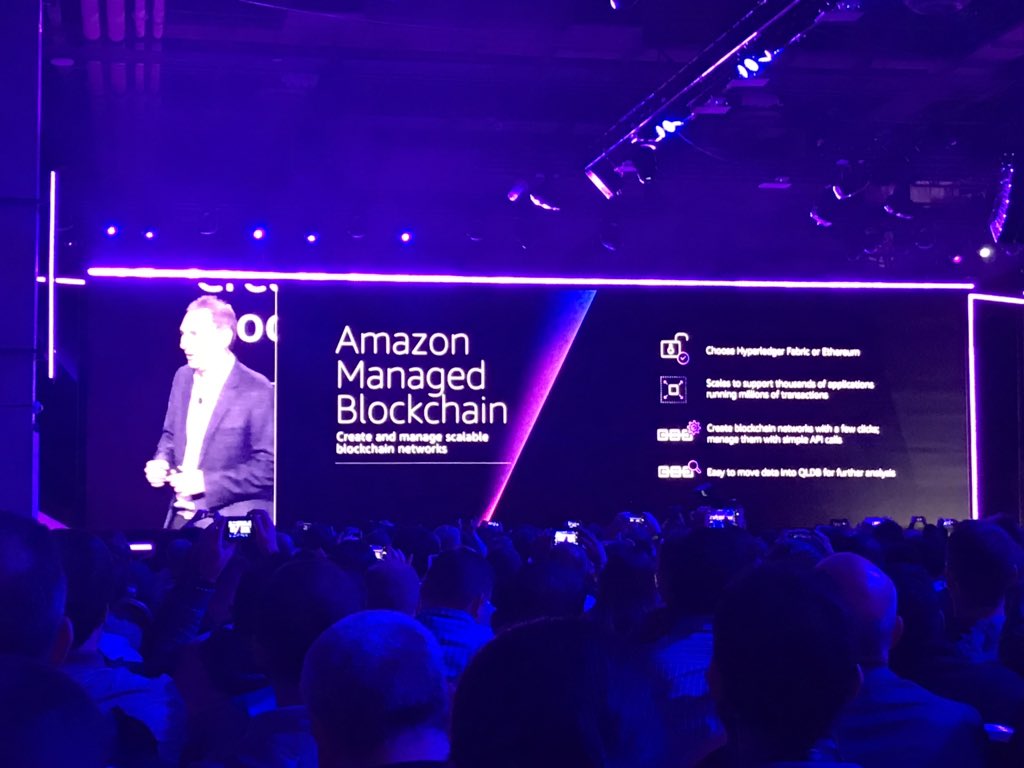
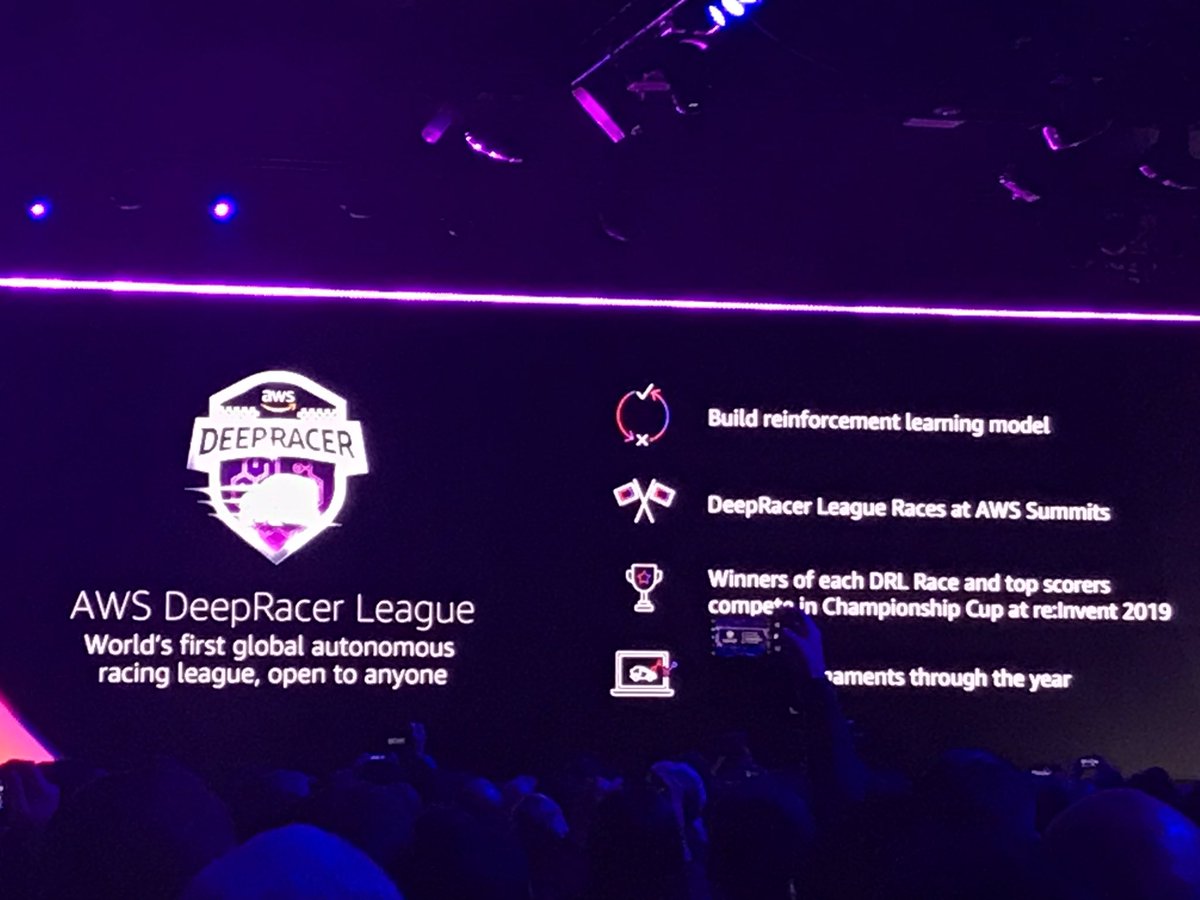
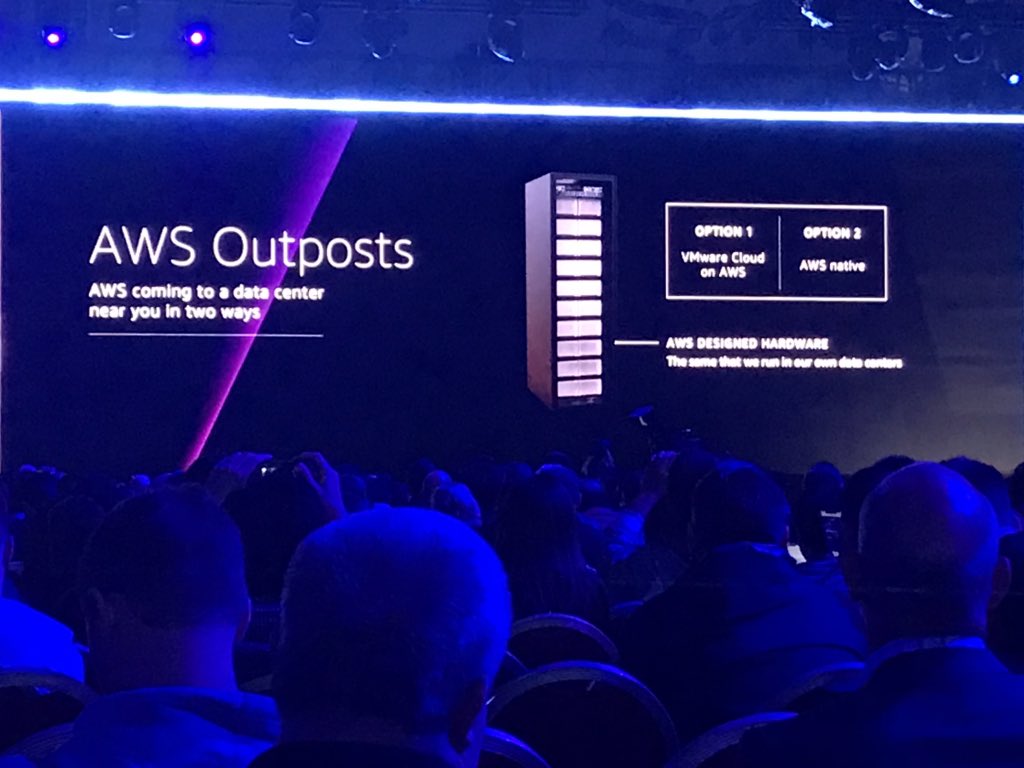
I’m not going to mention every single announcement but the ones that I was really impressed by and really need to go watch more about and learn (every day is a school day) are:
After the keynote I went and had some lunch and met up with Adam Post and chatted about his VCDX journey and some of my advice and lessons I learnt and then proceeded to attend a leadership session “ Cloud Adoption and the future of Financial Services” as this sits right with the projects I am working on at present and a number in the pipeline. It was a really good session and one I need to absorb a second time.
I made my way to the Expo hall again and spoke to the Dell Boomi team. It really is an awesome product and one I hope I can possibly even use with my current customer who is doing a DC migration as well as a move to HCI and PaaS.
In the evening I attended the Dell EMC, VMware and AWS party where a number of the vCommunity came along and had a good amount of chats and discussions about the days announcements.
The first official day of AWS ReInvent kicked off yesterday with the number of people arriving for registration and the Expo hall and sessions open and in full swing. If you missed my Day 0 recap then have a look here.
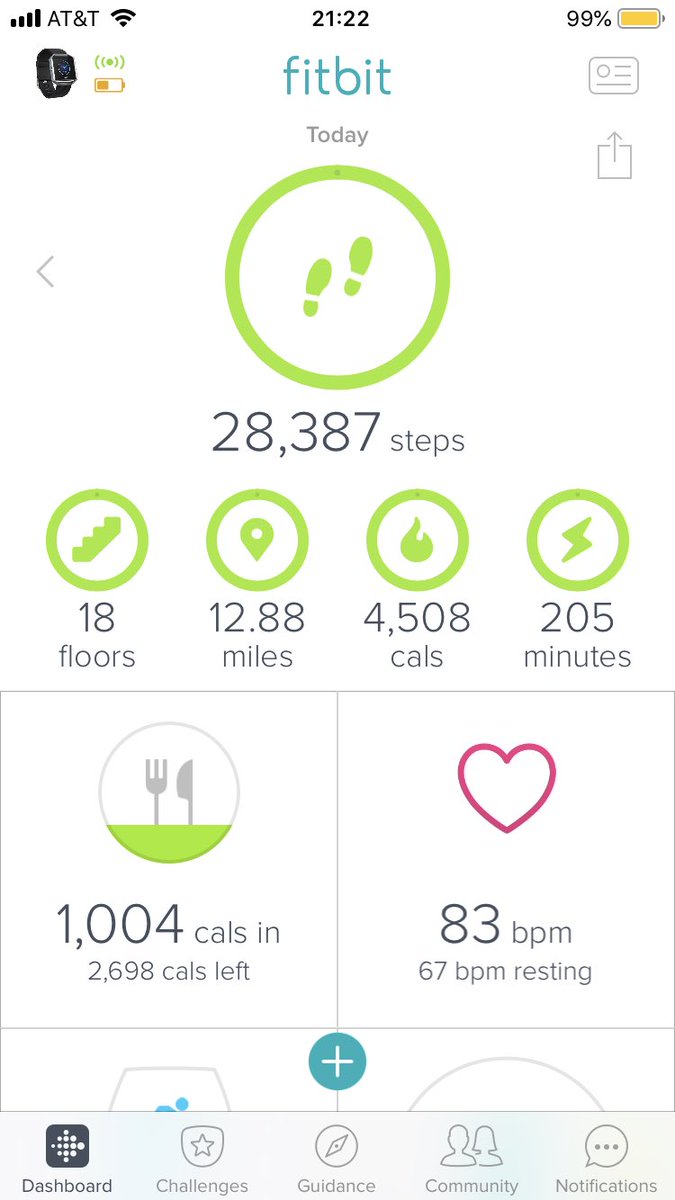
My Day 1 started with me getting up early due to my body clock still being on UK time and going for a run whilst the streets were quiet, its something I like doing and getting some “fresh” air rather than recycled casino or hotel air is really helpful I find. I managed to hit a fair number of steps by the end of the day after my run and the amount of walking around the conference to different sessions and I was careful too book as many as close as possible to each other
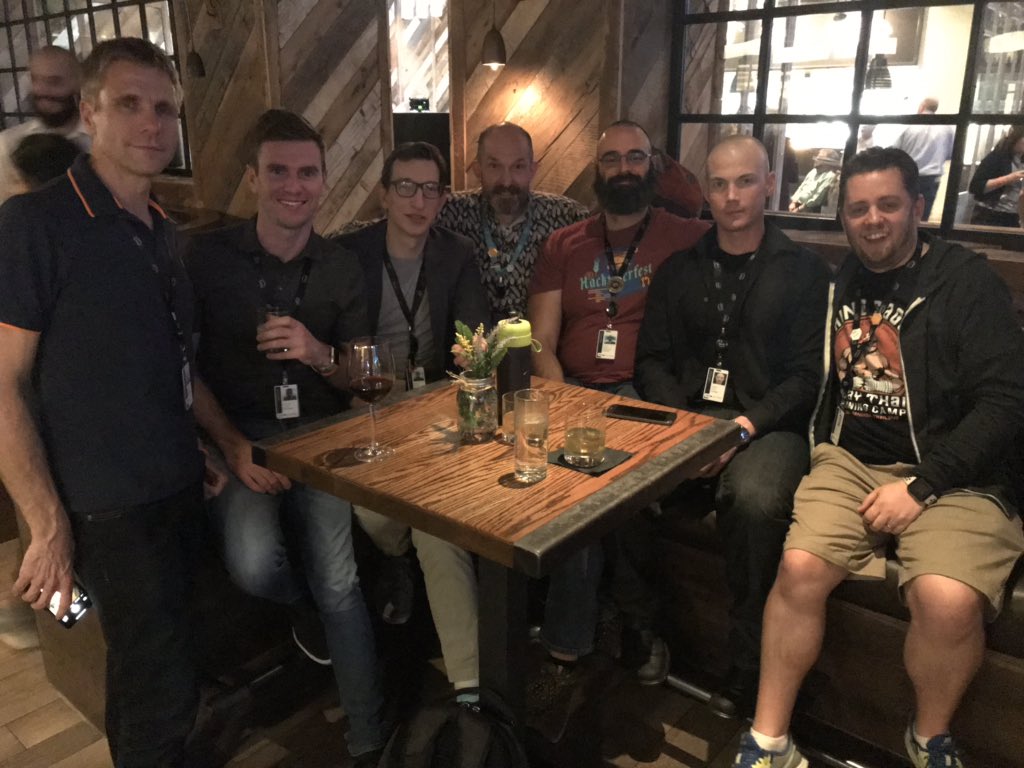
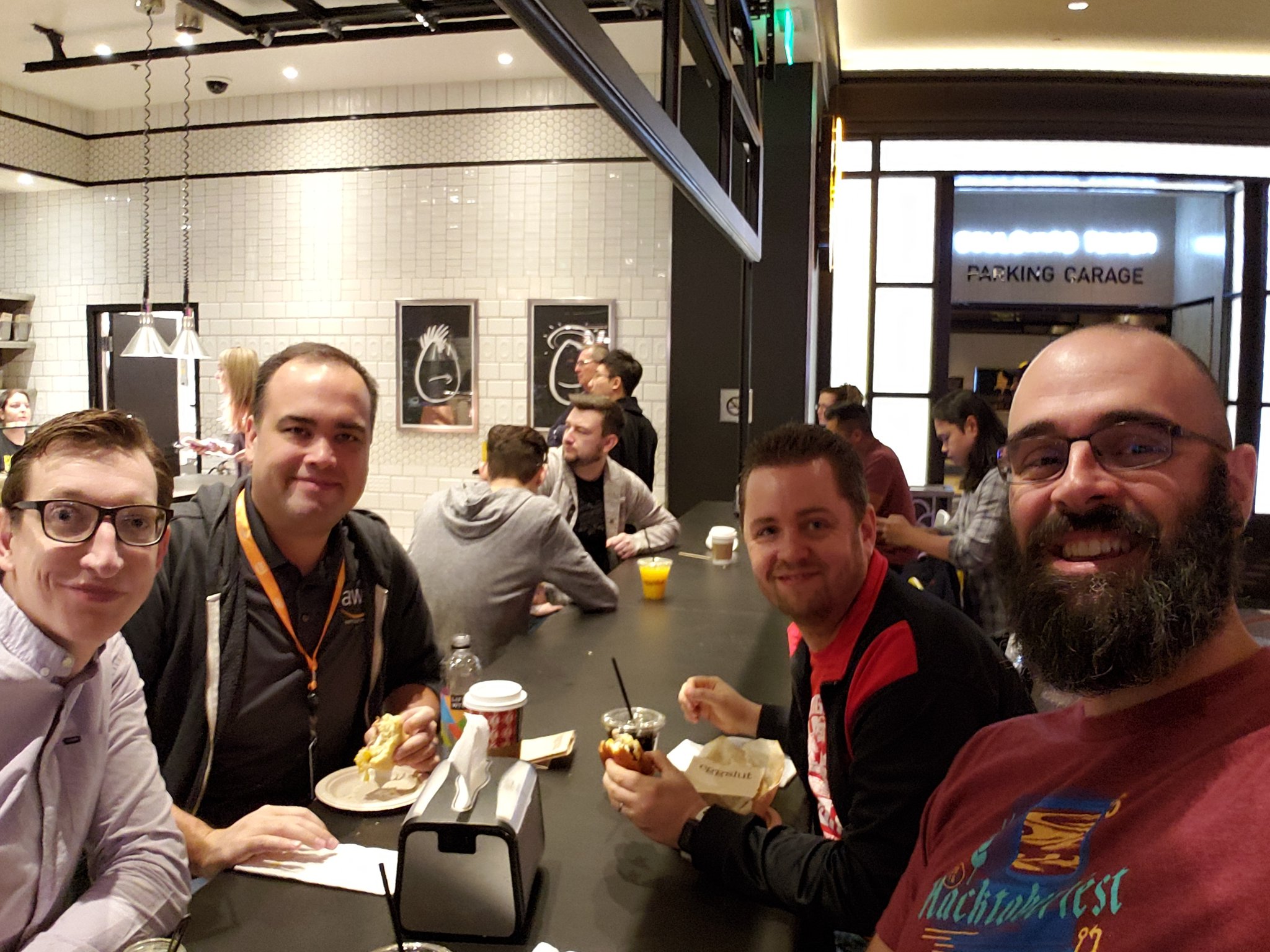
For a number of these conferences I enjoy meeting up with people in the community who are doing the same kinds of things and through my work and time within the VMware community I am very fortunate to have built a good amount of friends and being able to speak to people doing different projects with the same technology or knowing that person who is doing the same thing you are for a customer helps you reach other and learn from each other. I met up with a few London VMUG, VCDX and vBrownbag crew for breakfast at the non politically correct named – eggslut
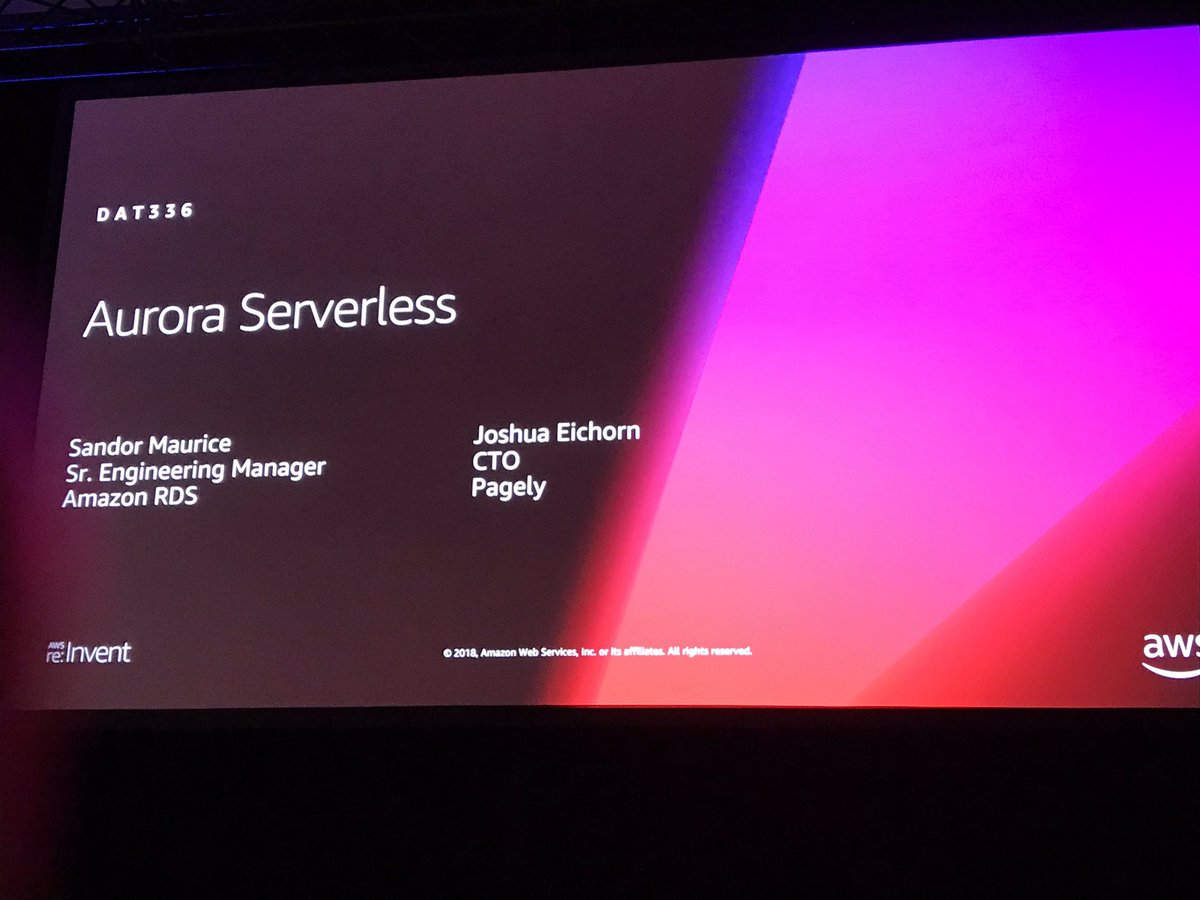
Next I went to a session all around Amazon Aurora and it’s now GA offering and some lessons learnt from a customer Pagerly who has already used it as well as a preview of what the offering does and enables you to do. It amazed me how many people kept taking pictures of each and every slide when the sessions are recorded where you can see the slides as much and for as long as you want. The offering looks amazing and it certainly has it’s place but I was saddened to hear they weren’t supporting the latest version of PostgreSQL which most of my customer use and would require it to support
The next session I went to was unfortunately full by the time I got there as they open up the waiting line ten minutes before the start and my reserved seat got taken so I met up with and chatted to a company who are working with me on my current customer and discussed my thoughts of using them for some customers I have not just doing DC migrations but also to help them move workloads to the cloud and track them efficiently.
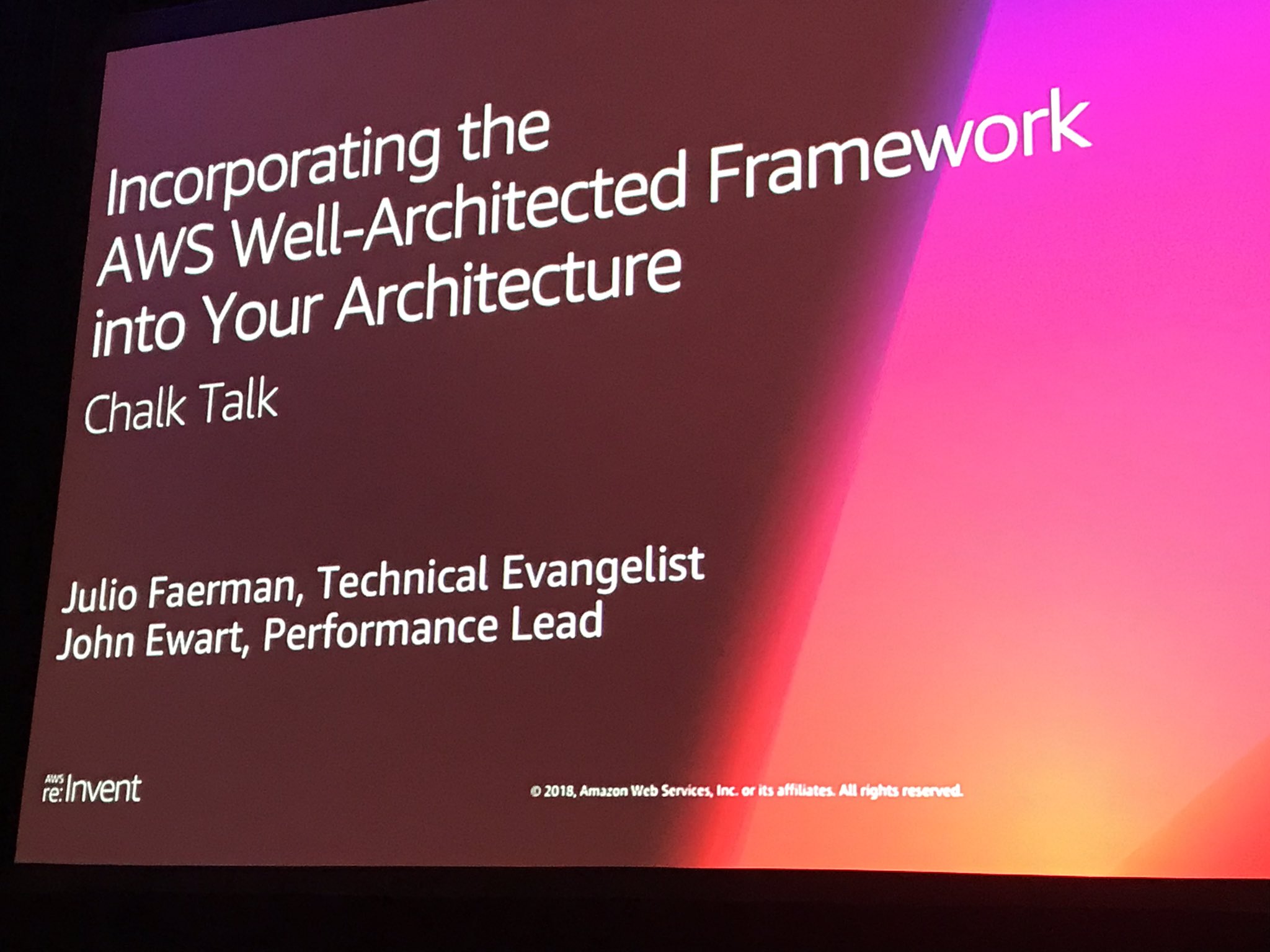
After lunch I went to a session all around the AWS Well Architected Framework which was a whiteboard session and was very interesting. If you haven’t heard of or used the framework for your deployments then I would highly recommend it as it reminds me of VMware vCAT solution that helps you with a large amount of broad best practices but is pen enough for you to utilise it to your customer/companies requirements.
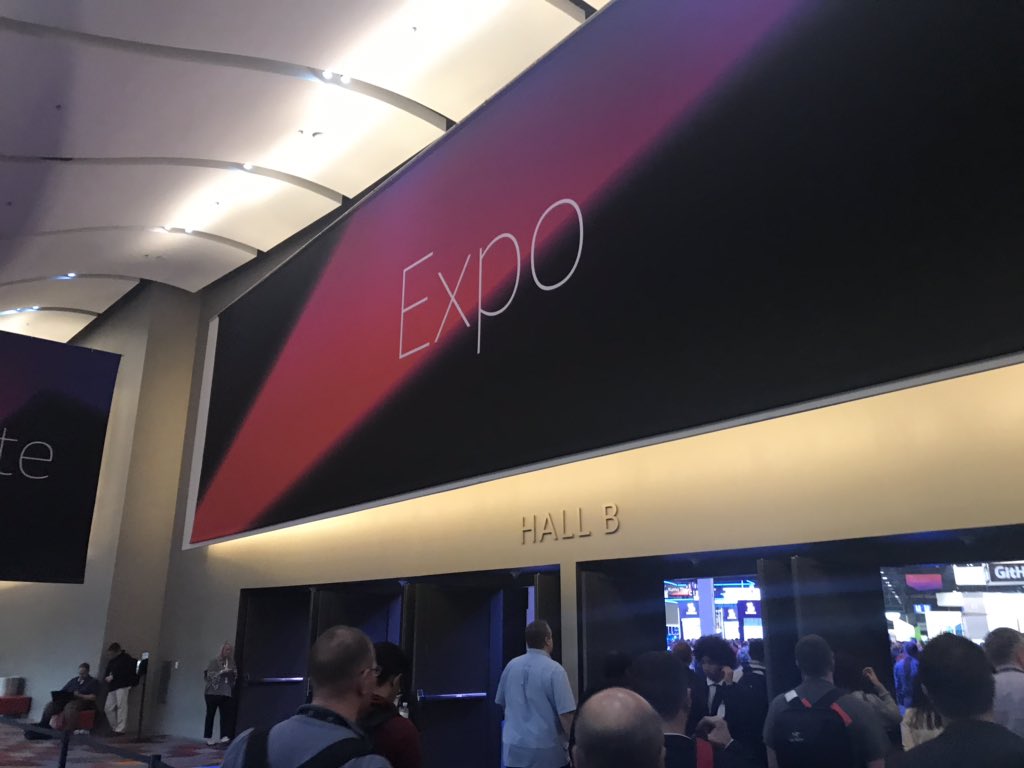
The expo hall was then opened and I walked around numerous times talking to people at the VMware booth all about VMware Wavefront, the AWS booth around security and compliancy and the Dell EMC booth as I had a few friends working on there.
I had some dinner with some friends and then was an old man and went to my hotel as my lack of sleep and number of steps had caught up with me and I anted to get a good sleep before the vBreakfast running this morning of around 30 VMware community people attending eh conference all meeting up for breakfast and hopefully starting something we can do annually
Yesterday was Day 0 of AWS ReInvent for me, I have always wanted to attend ReInvent due to my deep interestes in AWS and being the Solution Lead for AWS in EMEA for Dell EMC.
The day started out almost midnight time Vegas time as I flew in from the UK early to try do a day flight to make the ~10 hour flight more bearable. It certainly did make it easier to stay awake on the plane as by the time I landed it was only 8pm UK time. I proceeded to drops my bags off at my hotel and then met up with a number of the London VMUG crew who I have known for a number of years for some drinks and chatting and also to register and collect my badge and hoodie for the conference. I did like that they let you try on the hoodies beforehand so get an idea of sizing’s as American sizing’s can be huge for us from Europe
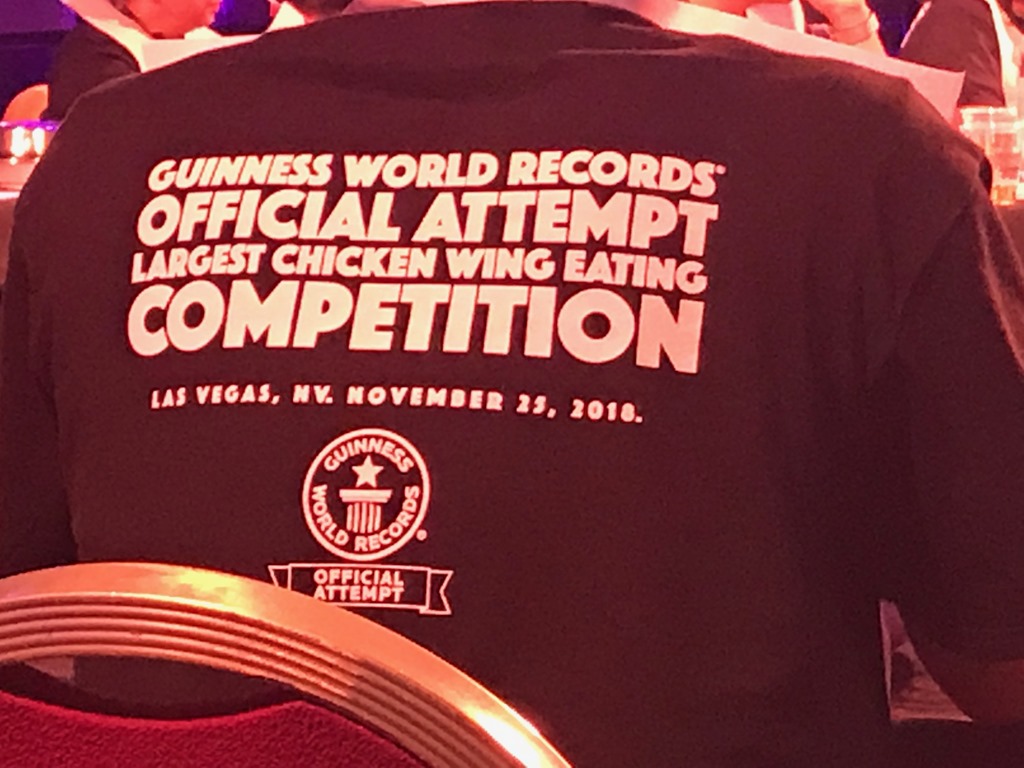
I had signed up for the AWS Tatonka challenge which is a chicken wing eating competition but was also going for the Guinness world record for the number of people participating in a chicken eating competition in one sitting. We had around 340 people and myself, Julian Woof, Chris Porter and George Short all managed to get ourselves into the competition and participating. They gave us numbers, explained the rules to not void the world record attempt and then we got our plates of chicken wings (which were fairly spicy)
The LonVMUG Crew ready to eat some chicken wings
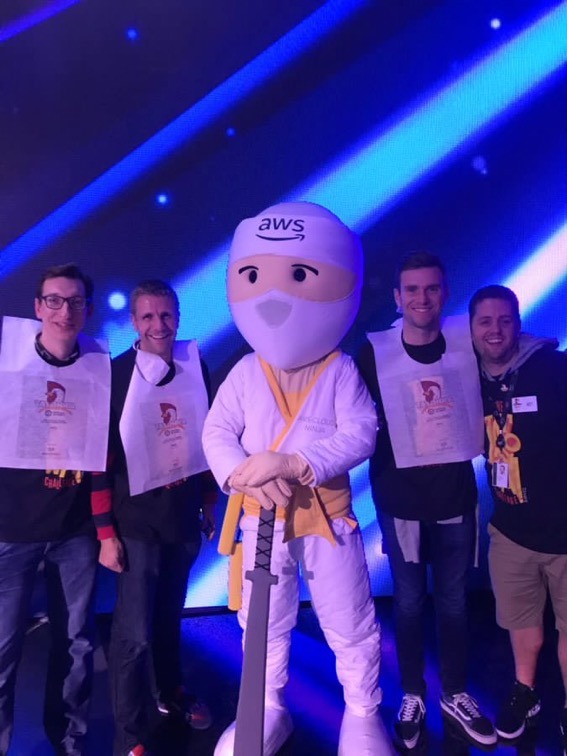
Meeting the AWSCloud Ninja
The Tatonka challenge also allowed us into the Midnight Madness party and first announcement’s session early which was highly beneficial as they supposedly only let in around 6000 people although i don;t thin that many in the end attended. I’m actually unsure if we broke the record as by the time they had done all the calculations the announcements on stage had started with the first one being the launch of Hiber Global and their partnership with AWS and their IoT nework. Next was the announcement of AWS RoboMaker and their opening of the code so anyone can use the code to program robots. Certainly an interesting announcement and one I need to read up more on. There are a number of sessions for RoboMaker although none were showing in the ReInvent planner last night when i looked to register for one.
I for one welcome our Robot overlords
I then made my way home as it was by that time 9am UK time and I had essentially done an all nighter albeit a very nerdy all nighter. Today I hope to do a number of sessions largely around data migrations and financial services opportunities and capabilities within AWS linked largely to my daily work and the work Dell Technologies customers are coming to us to ask for help on.
Later this month I will be attending my first AWS ReInvent due to me being the AWS Solution Lead for the UK&I for Dell EMC. As part of my attending I am planning to try kick start a community within the AWS ecosystem that matches the awesome one that the vCommunity has around VMware and supporting technologies. Due to me being a VMware vExpert for the last 9 years and a newly appointed vExpertPro I am looking to call on this community whom are also attending the conference to get together and ideally we can build a crossover AWS and VMware community seeing as most people who have done VMware now also know AWS or are currently using it more and more due to offerings like VMConAWS.
The vBrownbag crew will be attending ReInvent for the first time so please make sure to sign up for a TechTalk and also come watch and meet some like minded people as the community around the vBrownbag is always strong and well worth knowing
So initially and the point of this posting is to find out how many of my followers/readers are attending ReInvent and to then hopefully organise a few meetups and spread the supporting nature of the VMware community into the AWS community and vice versa. So if you are attending then please put your name in the form below and your twitter handle and I will create a way for all of us to start building the VMwAWS community.
VMworld kicked off formally today and there were whole bunch of announcements and some awesome sessions and demo’s I was able to attend and blog about but firstly I would like to recap Saturday and Sunday’s activities so if you just want to hear about today then skip the paragraphs below and go straight to the Monday/Today heading.
Saturday:
I purposely flew in on Friday fro the UK so that i could attend the VCDX workshop and then the VCDX Town hall afterwards. The VCDX workshop and town hall were hosted at the cosmopolitan hotel and the workshop started off early at 7:30 am with some breakfast/desert seeing as it was coffee and donuts. If you don;t know what the VCDX workshop is it is a workshop for those thinking of going for the VCDX soon and is aimed to give those aiming for it valuable information and advice around the whole process, what to do and not to do in your preparations and during the defence and also to clear up some possible misconceptions and ideally show that obtaining the VCDX is achievable with hard work and dedication. I’ve blogged about this achievability as well as my personal opinion of doing it for the “right” reasons here https://thesaffageek.co.uk/2017/02/17/why-do-you-want-the-vcdx-accreditation/ . It was really great to see that a very large amount of the people attending the workshop felt it was something they wanted to attempt and felt it was more of a realistic target after the workshop.
After this was the VCDX town hall which is for current VCDX to speak with the VCDX certification team, have a chance to hear from Pat Gelsigner the CEO of VMware and three of the VMware CTO’s before some food and drinks. The town hall was really good and there were some very tough questions asked of the certification team around the direction of the program, how we could get the certification known more widely and aid those looking to obtain it. Chris Colotti wrote a really pointed but accurate posting around a fair few of the topics brought up by the existing VCDX as despite what many might think current VCDX do want more people to join the ranks. We then had the honour of Pat Gelsigner speaking to us and answering some of out questions. It was greatly appreciated that Pat would take time out of his very busy schedule to spend time with us and as always you could see his passion for technology shining through. Next was the CTO panel with Chris Wolf, Guido Appenzeller and Ray O’Farrell. The panel was brilliant and again the three CTO’s were extremely interested to hear for the VCDX crowd and be open and honest with their future plans. Lastly was the drinks and food where we got to socialise which was really nice to chat and joke with fellow VCDX and learn what they are up to and doing.
Sunday:
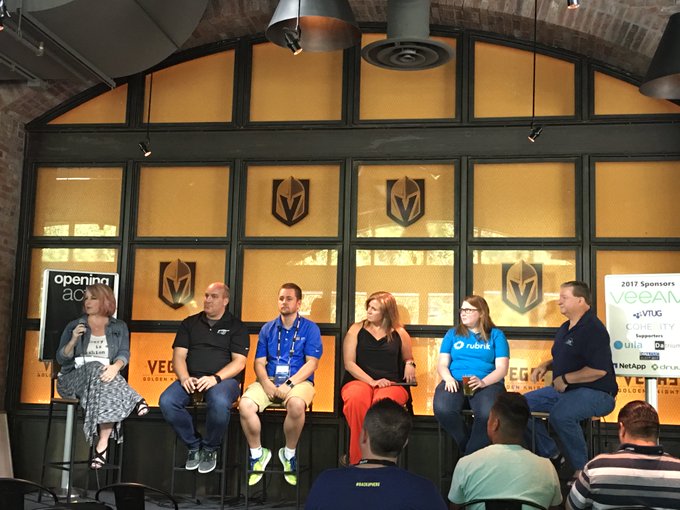
Sunday is customarily when Partner exchange happened and this year was no different. Even though I work for a partner in Dell EMC I decided to instead attend and support the VMunderground and vBrownbag opening acts. The opening acts are a community event where a number of panels are run discussing various topics by the community for the community. I was very honoured to have been asked to be part of the second of the three panels of the day around How Failing Made Me Better. The panel was very enjoyable to be on and the advice given from all of the people on the panel seemed to be well taken by the crowd. As always the opening acts allowed me to also chat with others from the community some who i have known for years and others i have only met recently. It certainly helped that it was hosted at the beerhaus.
After opening acts I wandered off to the solutions exchange to talk to some vendors as well as grab some food and drinks that were on offer. The solutions exchange was buzzing as you would expect and I managed to get over to the Datrium booth and collect my vExpert gift of an arbuboy. I then made my way back to the new york new york hotel for the VMunderground party which was happening at the beerhaus where I got to chat to loads of the community and meet up with some old friends. The VMUnderground party is always one of my favourites due to it always being in a location where you can chat to people without it being too dark or too loud (yes i realise i sound like an old man). After VMUnderground i made my way back to my hotel due to my need to be on a work conference call this morning.
Monday/Today
The day started off with me ensuring all my scheduled blogs had posted as the NDA for a number of the announcements was 5am this morning. I then made my way to the convention centre and decided to watch the keynote from the VMVillage bloggers tables as I had a session straight after the keynote and I wanted to make sure I made it in adequate time. There were a number of announcements in the keynote but the ones that I feel were the best coincided with the ones i blogged about which were:
After the keynote I attended a VMware Design Studio UX design session around VMware Cloud on AWS. The feedback around the UX seemed to be really helpful to the team and one portion I found really great was the number of woman that were part of the various team from VMware which is brilliant and certainly inspiring for my daughters futures if they decide to pursue technology as a career.
Next I attended a session on VMware Cloud on AWS: Storage Deep Dive which was highly informative and gave some great overviews of not just VMC’s usage of vSAN in the current offering but also some possible future plans around Disaster Recovery, usage of various storage providers technologies, options for backup via partners like Dell EMC and growth abilities of the solution both outwards and upwards. When the recordings of the sessions come out I highly recommend watching this one. I really like the way VMC is heading and I think it will be a brilliant offering and product.
After this I attended an invite only demo of VMware Cloud on AWS. The demo was highly informative and again I was left feeling really excited and enthused by the direction the offering is taking and the possibilities of it. When the partnership was first announced i was very unsure of how it would work and fit but I can certainly see the use cases and potential and now with VMware Cloud Services having been announced it means that you will be able to mange not just VMC but also Google Cloud Platform, Azure and your traditional vSphere environment in VMware Cloud Foundation.
The announcements have been really good and with today’s now released GA of Pivotal Container Service there are very exciting things coming from VMworld from VMware and their eco-system of partners.
The most exciting announcement from VMworld US in my opinion has to be VMware Cloud on AWS. VMware Cloud on AWS (VMC) brings VMware’s enterprise class Software-Defined Data Center software to the AWS Cloud Infrastructure, and enables customers to run production applications across vSphere-based private, public and hybrid cloud environments. Delivered, sold and supported by VMware as an on-demand service, customers can immediately capture the benefits of cloud, without going through the painful and costly migration process so often associated with hybrid cloud models. With AWS’s breadth of cloud services (e.g. storage, databases, analytics, etc.) readily accessible to applications running within VMC, customers get the best of both worlds, an environment perfectly suited for running existing VMware based applications, as well as an environment flexible enough to grow and support new cloud-native based applications. Furthermore, as more SDDC components are adopted, the value derived by customers becomes exponential. VMC itself becomes a catalyst for the adoption of NSX, VSAN, SRM, and the vRealize Suite.
I have already blogged about some of the announcements due around NSX and VMC integration and VMware Cloud Services and their ability to provide a way of homogenising the cloud and providing a mechanism for you to consume all the cloud providers and one of these being VMC.
Importance of VMware Cloud on AWS
Jointly engineered solution delivers the best of VMware and AWS for customers
VMware
Leading compute,storage and network virtualisation capabilities
Support for broad range of workloads
De-facto standard for the enterprise DC
AWS
Flexible consumption economics
Broadest set of cloud services
Global scale and reach
The Solution: VMware Cloud on AWS
VMware SSDC stack running on AWS
Compute (vSphere) , Storage (VSAN) and networking (NSX)
Direct access to vCenter, including full API/CLI support
Leverage cloud economics, aligning capacity and demand
Single bill for VMware software +AWS infrastructure
Possible discounts for those with large existing VMware licence counts
Consume elastically scalable SDDC clusters
On-demand or subscription
Leverage global AWS footprint
I personally am planning to attend quite a substantial amount of the VMware Cloud on AWS sessions and Hands On Labs and will be blogging about the portions of this so instead of having amassive blog posting here I will be doing multiple, the sessions i am attending at VMworld US are:
VMware Cloud on AWS: Storage Deep Dive:
28 Aug, 13:00 – 14:00
Oceanside B, Level 2
VMware Cloud on AWS Hybrid Cloud Architectural Deep Dive: Networking and Storage Best Practices:
28 Aug, 17:30 – 18:30
Lagoon H, Level 2
VMware Cloud on AWS: An Architectural and Operational Deep Dive:
29 Aug, 12:30 – 13:30
Oceanside C, Level 2
AWS Native Services Integration with VMware Cloud on AWS: Technical Deep Dive:
29 Aug, 14:00 – 15:00
Mandalay Bay Ballroom E, Level 2
Using VMware NSX for Enhanced Networking and Security for AWS Native Workloads: Part 2:
29 Aug, 17:00 – 18:00
Oceanside G, Level 2
Work Load Mobility & Resiliency for the New VMware Cloud on AWS :
30 Aug, 08:00 – 09:00
Islander H, Lower Level
Using vRealize with VMware Cloud on AWS:
30 Aug, 09:30 – 10:30
Oceanside C, Level 2
VMware Cloud on AWS Ready: Preparing Your Environment for the Best VMware Cloud on AWS Experience!:
30 Aug, 11:00 – 12:00
Reef E, Level 2
VMware NSXaaS – Secure Native Workloads in AWS Workshop:
30 Aug, 15:00 – 16:30
South Pacific Ballroom, Lower Level, HOL 3
NSX and VMware Cloud on AWS: Deep Dive:
31 Aug, 10:30 – 11:30
Breakers E, Level 2
VMware Cloud on AWS – Getting Started Workshop:
31 Aug, 12:00 – 13:30
South Pacific Ballroom, Lower Level, HOL 6
I’m really looking forward to learning more about the technologies and as promised i will be blogging about it fairly substantially over the coming week and months.
At todays VMworld US there are a number of NSX announcements as NSX grows it’s capabilities and features and raises the bar for SDN. Some of of the announcements at todays VMworld US conference in Las Vegas will be around a new version of NSX-T called NSX-T 2.0, VMware Cloud on AWS which provides a service that delivers a seamless extension for vSphere customers into AWS and NSX Secure Networking and the the ability for network virtualisation and security for native AWS workloads.
Firstly if you don’t know what NSX-T is then I would recommend you read the overview of it here or register for session NET1510BU . For version 2.0 there are a number of announcements, the high level such as:
Cloud-Native App Frameworks
VMs and Containers
CNI Plugin Integration for Kubernetes (K8s) /Pivotal Cloud Foundry
NSX-T PaaS /CaaS Integration
NSX integration with Kubernetes
NSX Container Plugin (NCP) for integration with PaaS with NSX Manager
Native Container Networking:
IP address per container / POD
Container Network integration with DC network via routing and BGP
Micro-segmentation – inter project and intra project isolation
Network and Security Automation – created as part of app deployment
Multi-tenant network topologies
Multiple Containers (PODs for K8s) in a VM (Container Host)
Support for vSphere and KVM
For VMware cloud on AWS there is an extensive amount of announcements and features about the service but for NSX in particular it is about centralised management, comprehensive visibility and enterprise-class security
Discovery
Visibility into apps and resources they consume
Analyse usage and utilisation across clouds
Possible with AWS (Native), Azure (Compute) and Private Cloud (vSphere)
Cost Insight
Accounting and cost optimisation for multiple clouds
Track and analyse your costs and trends
Possible with AWS (Native), Azure (Compute) and Private Cloud (vSphere)
Network Insight
Operational visibility, control and compliance across clouds
Optimise performance, health and availability
Possible with AWS (Native) and Private Cloud (vSphere)
Secure Networking
Secure networks with micro-segmentation
Create private networks within or across clouds
Possible with AWS (Native)
For NSX Secure Networking
On-Prem Automation and Networking & Security
Multi-domain networking
Automation with OpenStack
Micro-segmentation
Consistent and scalable micro segmentation security – unified policy management across multiple public clouds
Precise control over cloud networking topologies, traffic flows, IP addressing and protocols
Standard network data works with existing Day 2 operations tools and processes
If you are looking for some top sessions around these announcements then the following top 10 networking and security sessions should be a great fit:
Transforming networking and security for the digital era – TS7003KU –Tuesday August 29,12:30pm – 13:30 pm
Use virtualization to secure application infrastructure – SAI3237SU – Monday August 28,11am – 12pm
Why networking is at the heart of digital transformation – NET3235SU – Monday August 28,1pm – 2pm
NSX everywhere: The network bridge for on premises, private, and native public clouds – NET3236SU – Monday August 28,4pm – 5pm
Introduction to VMware NSX – NET1152BU – Monday August 28,4pm – 5pm
Application security reviews made easy with VMware latest security solution – SAI2895BU – Tuesday August 29,4pm – 5pm
The NSX practical path – NET3282BU – Monday August 28,2:30pm – 3:30pm
When clouds collide, lightning strikes – NET3282BU – Wednesday August 30, 1pm – 2pm
The future of networking and security with NSX-T – NET1821BU – Tuesday August 29, 11:30am –12:30pm
Container networking with NSX-T overview – NET1521GU – Monday August 28, 1pm – 2pm
Customers aren’t just running their workloads in their vSphere datacenters but are also now running more and more workloads natively in the public cloud providers and this can be a challenge for businesses who might not have the current skillset or mechanisms to monitor and manage these public workloads. VMware have now announced a way of homogenising the cloud and providing a mechanism for you to consume all the cloud providers and manage across these various providers where you can manage, provision and migrate workloads easily between you on premises environment to the public cloud providers.
VMware did a survey recently and the amount of their customers who are using or evaluating a public cloud provider has now almost reached 100 percent with the feedback being 97% and an increase of 11% since 2016.
The amount of workloads these surveyed customers have running in these public clouds however are still very small although most see it where being on multiple public cloud providers is the ideal end state but this brings two major problems:
Operational Complexity
Application and management tool sprawl
Inefficient cost management across multiple clouds
Compliance gaps due to different architectures
Increased Risk Exposure
Inconsistent security architectures and policies
Lack of visibility into and across multiple clouds
Lack of expertise on specific platforms
For VMware Cloud Services there are mainly five different services that are being announced at todays VMworld and they are:
Discovery: Holistic View of All Cloud Resources
Visibility into apps and resources they consumer
Analyse usage and utilisation across clouds
Public and private cloud inventory and metrics collection in minutes
AWS and Azure inventory collection using cloud user credentials and APIs
Private cloud inventory collection using a lightweight VMware vCenter data-collector
Central repository for all public and private cloud inventory
Inventory search based on cloud resource attributes
Expose native cloud tags and group cloud resources to simplify reporting, operations and actions across other VMware Cloud Services
Single place to add public and private cloud account credentials
Secure management of cloud credentials and account owners
Shared configurations of Clouds Accounts for data collections across multiple VMware Cloud Services
Cost Insight
Accounting and cost optimisation for multiple clouds
Track and analyse your costs and trends
Estimate total cloud spend across public and private clouds
Compare spend by cloud providers, regions, accounts or other groups
Analyse costs and drill deeper to identify key cost drivers
Track cloud costs over time and project future costs based on historical data
Compare actual spend with assigned budgets
Share cloud costs and budget comparisons with application teams
Identify powered off virtual machines
Identify unused cloud storage resources
Customise threshold limits for identifying unused resources
VMware NSX Cloud
Secure networks with micro-segmentation
Create private networks with or across clouds
Network abstraction through overlays
Segmentation control independent of cloud
Stamp out consistent overlay networks
Ops consistency and improved visibility
Improved IT efficiency and lower OpEx
Network Insight
Operational visibility, control and compliance across clouds.
Optimise performance, health and availability
Understand application dependencies by analysing traffic flow patterns between VMs
accelerate micro-segmentation planning and use firewall rule recommendations to improve cloud security
Continuously monitor, troubleshoot and audit cloud security posture over time
Discover AWS,VMW and physical network infrastructure resources including AWS VPCs, security groups and cloud tags
Troubleshoot network connectivity issues between VMs with visibility into virtual and physical data center network layers
Rapidly identify issues through pro-active events and alerts
Scale across large NSX deployments with powerful visualisations for topology and health
Avoid configuration issues with NSX deployments based on health checklists
Quickly pinpoint issues for resolution with the help of intuitive UI and search
Wavefront
Metrics-driven monitoring and real-time analytics
Real time metrics monitoring at scale
“First pane of glass” visibility
Shared Model of application/system for both developers and ops
If you are interested in any of the solutions above then I would recommend getting to the VMware booth at VMworld US if attendign the conference or speak to your VMware sales executive if you aren’t attending to get a demo setup
This morning I sat the AWS: SAA exam and I’m pleased to say I passed it .I used a plethora of resources to prepare for the exam as I have to admit that I underestimated the exam a month ago and thought I would just need a general knowledge of the features and was getting full marks on the acloud.guru practice exams but failed it by ~ 3% percent. I’m not going to list all the resources I used in my preparation as I have already listed them on my blog under my AWS Certified Solutions Architect – Associate Study Resources page. All of the resources listed were really really good and I would highly recommend not just doing the CBT training but also do the labs and spend time using the free tier to go thorough all the features and learn what they can and can’t do. The exam is made up of sixty questions and the blueprint lists the split of the different domains as per the below table:
As you can see from the breakdown the exam is largely about designing a highly available, cost-efficient, fault tolerant scalable system. The questions in the exam varied from relatively straight forward ones where you just had to know what a solution or service provided to more complex ones where a scenario was portrayed in the question and you had to define which 2-3 answers together enabled them to achieve their requirements. Based on my score I am taking it that the ones that required multiple answers didn’t give partial scores if you got one wrong which is akin to a lot of other IT exams so you certainly have to focus on your answers as I found even with eliminating answers I knew were wrong I was still left with a very close alternative.
For the study resources I would recommend watching the vBrownbag series as well as the CBT’s and doing lab work as there were certainly a few things mentioned in there that were directly helpful in the exam. It’s also really great in my opinion to hear about bits from others in the community using the technology.
Good luck if you are preparing for the exam, I’m tempted to keep the momentum going and now do the AWS Certified Developer Associate exam.













 .I used a plethora of resources to prepare for the exam as I have to admit that I underestimated the exam a month ago and thought I would just need a general knowledge of the features and was getting full marks on the acloud.guru practice exams but failed it by ~ 3% percent. I’m not going to list all the resources I used in my preparation as I have already listed them on my blog under my
 TheSaffaGeek